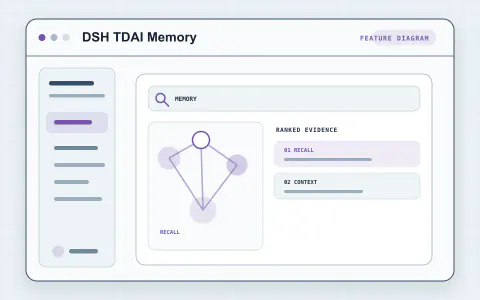
Explore tools for Remember and retrieve and bring the parts you need into your Harness workflow.
Authoring
Navigation
Set up your plugin
Memory data is stored in $DSH_HOME/plugin-data/tdai-memory by default. Existing data at another path remains in place; set dataDir explicitly to use it.
Installation and the local memory database can be verified without model credentials. Extraction and semantic recall require your configured LLM and embedding services.
Try it in your workflow
Open Settings → Memory, configure the extraction and embedding services, then restart DSH before using memory recall.