Back to Curated Plugins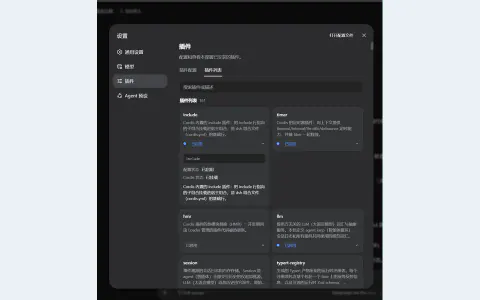
#3016 · Plugin
Plugin Description
Add readable plugin descriptions to the Harness settings page so you can understand what each installed extension does.
By MysaDC
View and installWhat it brings to your workflow
Explore tools for Discover and start and bring the parts you need into your Harness workflow.
- Management UI
- Navigation
Set up your plugin
Try it in your workflow
- Open Settings → Plugins and expand a plugin card to read its description and configuration details.
About this project
Created for the DeepSeek Harness community. The original project has the latest documentation, license, and release details.