Back to Curated Plugins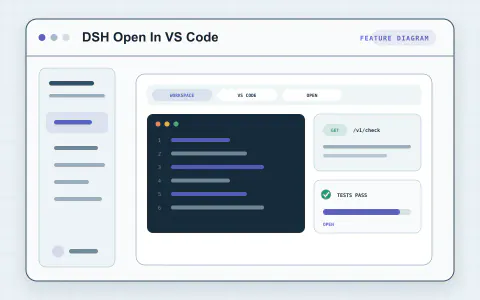
#3043 · Plugin
DSH Open In VS Code
Open the current workspace in VS Code directly from its Harness menu.
By omdsh-dev
View and installWhat it brings to your workflow
Explore tools for Build and review and bring the parts you need into your Harness workflow.
- Authoring
- Management UI
Set up your plugin
- Install VS Code and make its code command available, or configure the editor executable on the plugin row.
Try it in your workflow
- Open a workspace row menu and select Open in VSCode.
About this project
Created for the DeepSeek Harness community. The original project has the latest documentation, license, and release details.