Volver a complementos seleccionados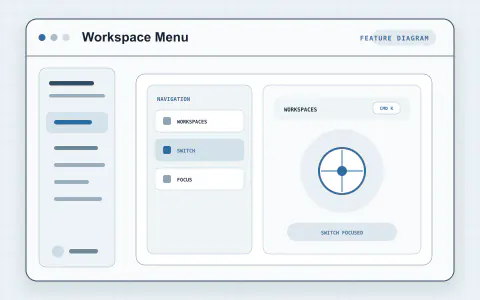
#3015 · Complemento
Menú del espacio de trabajo
Administre espacios de trabajo y conversaciones con acciones rápidas para fijar, renombrar, archivar, bifurcar, copiar y abrir una nueva ventana.
Por 0imzero
Ver e instalarQué aporta a su flujo de trabajo
Explora herramientas para Navegar y centrarse e incorpora las funciones que necesitas a tu flujo de trabajo en Harness.
- Navegación
- Diseño
Configurar el plugin
Probarlo en tu trabajo
- Haz clic derecho en un espacio de trabajo o una conversación de la barra lateral y elige «Copiar ruta» o «Cambiar nombre» en su menú contextual.
Acerca de este proyecto
Creado para la comunidad DeepSeek Harness. El proyecto original tiene la documentación, la licencia y los detalles de lanzamiento más recientes.