Volver a complementos seleccionados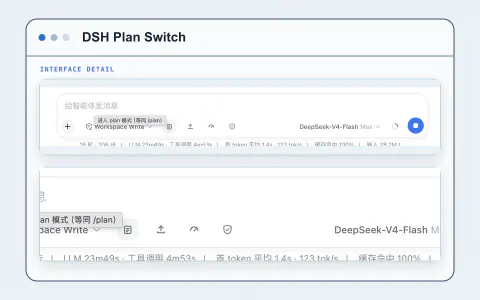
#3019 · Complemento
Cambio de plan
Ingrese o salga del modo de planificación desde el redactor de mensajes con un solo clic.
Por a903067276-rgb
Ver e instalarQué aporta a su flujo de trabajo
Explora herramientas para Planificar y automatizar e incorpora las funciones que necesitas a tu flujo de trabajo en Harness.
- Interfaz de usuario de administración
- Navegación
Configurar el plugin
Probarlo en tu trabajo
- Pulsa el botón de lista situado a la izquierda de las herramientas del cuadro de entrada para activar el modo de planificación.
Acerca de este proyecto
Creado para la comunidad DeepSeek Harness. El proyecto original tiene la documentación, la licencia y los detalles de lanzamiento más recientes.